 userclip
Three hours in.
Eleven clips out.
Nothing uploaded.
userclip reads a recording, picks the moments that stand on their own, frames them vertical, writes the captions, and renders. Every model runs on your own hardware, so nothing is queued behind anybody else and nothing leaves the machine.
Free and unlimited. There is no plan to upgrade to.
- Runs on
- Your GPU
- Sends out
- Nothing
- Costs
- Nothing
Or your CPU. It detects what you have and picks models that fit.
No account, no telemetry, no queue. There is no server to send to.
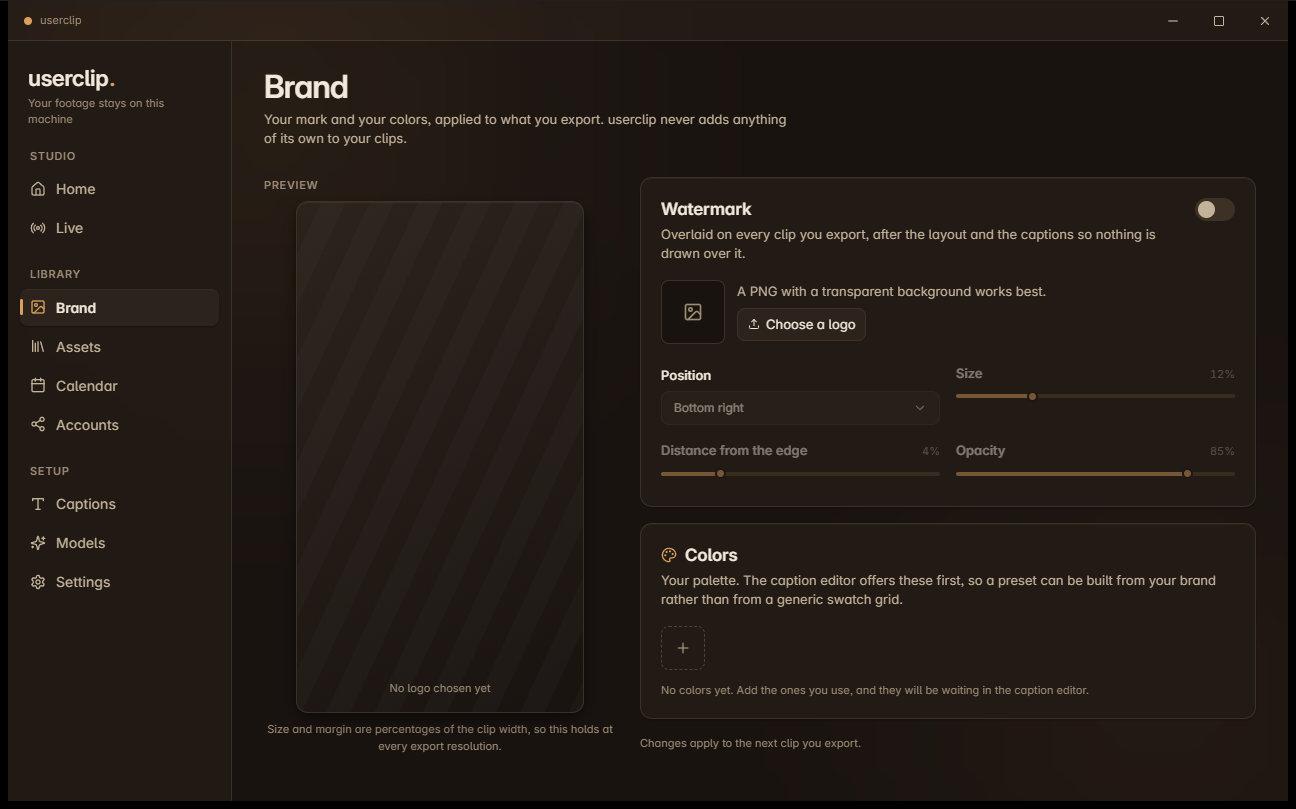
No credits, no minutes, no export limit, no watermark.
How it works
Five stages.
All of them on your machine.
-
01
Transcribe
Word level timing, which is what makes karaoke captions and frame accurate cuts possible at all.
-
02
Analyze
A language model returns clip bounds, a title, a hook, a score, and the reasoning behind each pick.
-
03
Layout
Face detection runs per clip, so framing follows what is actually on screen in that moment.
-
04
Caption
Subtitles written against the composed canvas, so text never lands in the wrong band.
-
05
Render
Hardware encoding through whichever encoder your machine actually has, proved by testing them.
Every stage records its own completion. A job interrupted by a crash, a shutdown, or you sitting back down at the machine picks up at the first stage that did not finish, not at the beginning.
Live capture
Clip the moment without leaving the game
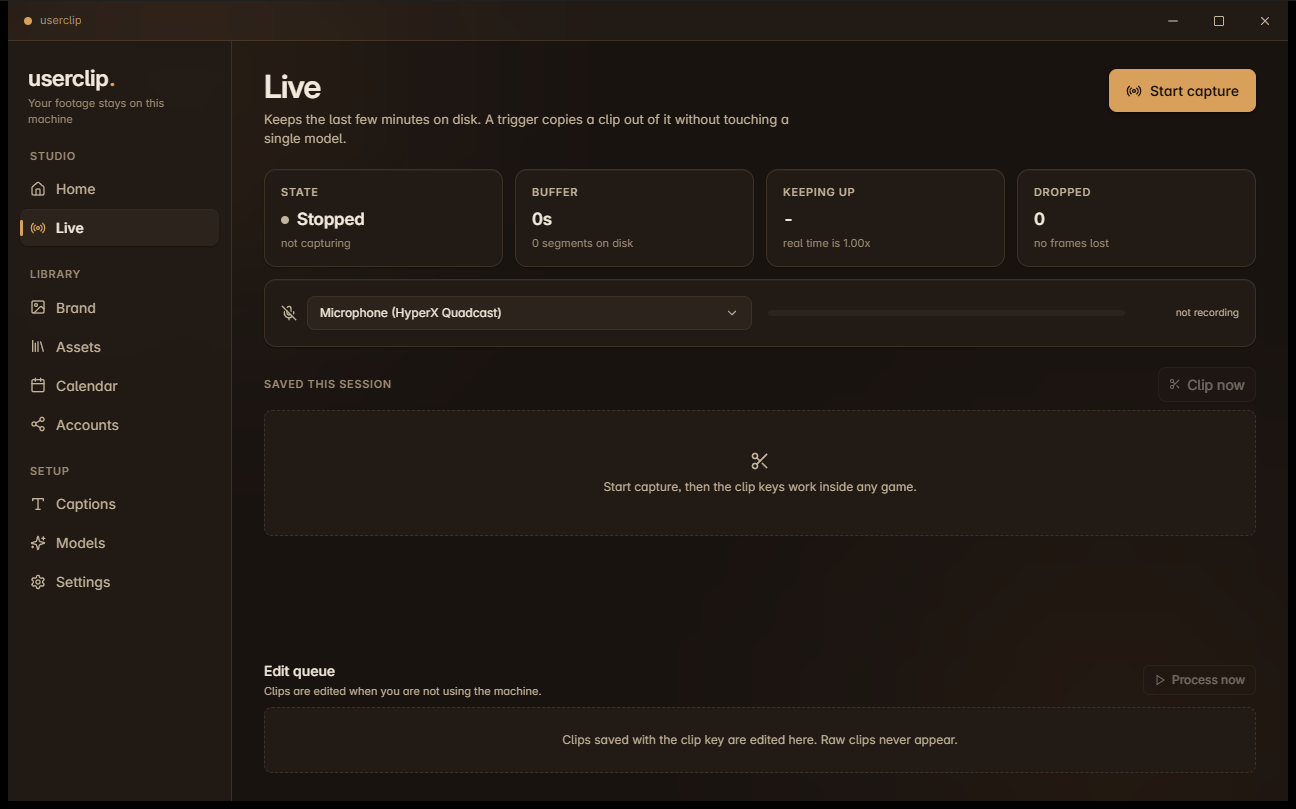
A rolling replay buffer sits on disk while you play. Press the clip key and userclip copies bytes out of it: no re-encode, no transcription, no model, nothing that could stall a frame. The hotkey is a raw input hook, so it fires inside exclusive fullscreen.
There is a second key that saves a clip no model will ever touch, not even later, not even while you are away. The database itself refuses to process one, so it is a guarantee rather than a setting.
Idle editing
It works while you are not
Clips you saved during a session are edited only when you step away. userclip watches for keyboard and mouse idle, GPU load, free graphics memory, whether anything is fullscreen, and whether you are on battery.
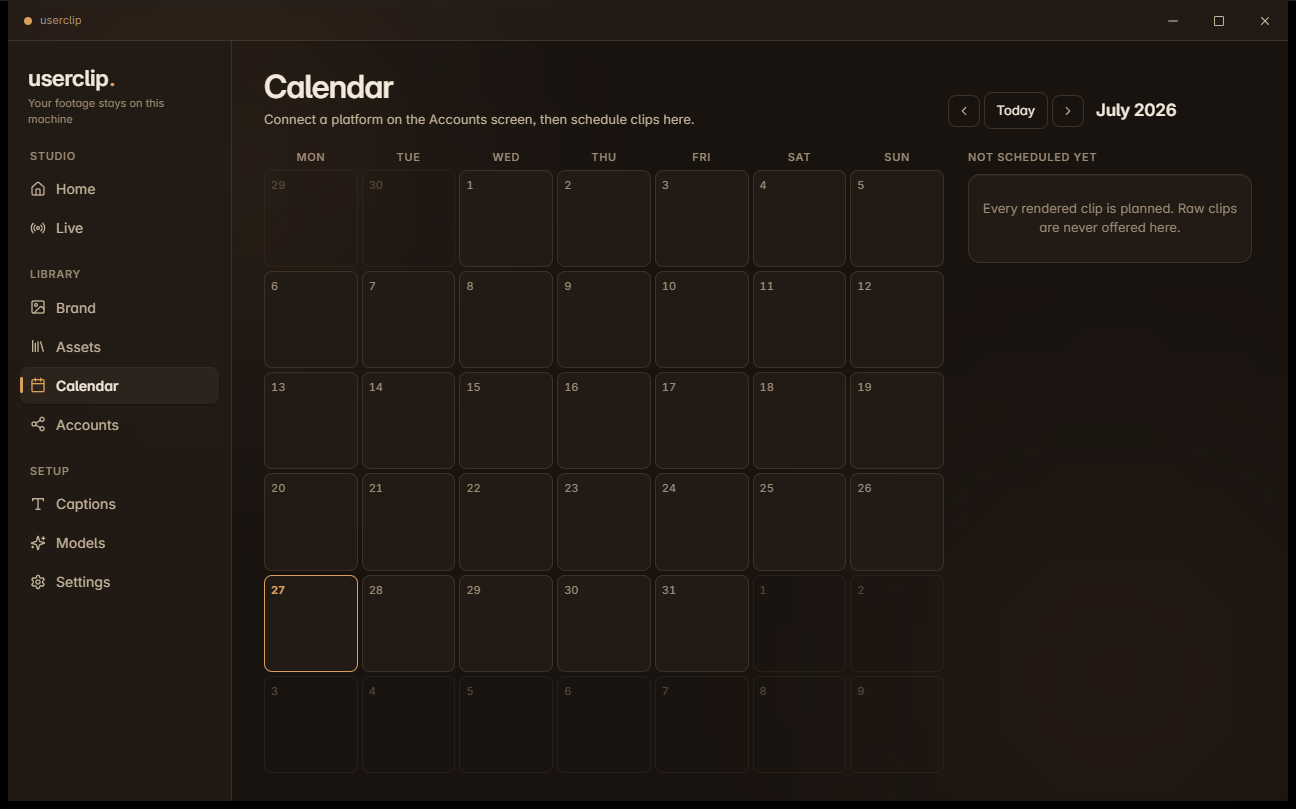
The moment you come back it stops, mid job, within seconds, and picks up at the stage it lost. Schedule what is finished onto a calendar and it posts on its own, never while you are recording.
Before you download
What it will not do
Every tool's marketing page lists what it does. Here is the other half, so you can decide before installing eight gigabytes of models.
-
It will not run well on a weak machine without help
The good models want a GPU. On CPU only it still works, and it is slower in a way you will feel. userclip tells you which tier your hardware maps to instead of letting you find out.
-
It will not judge your footage the way you would
The model finds moments that read well in a transcript. It has no idea what your audience finds funny. Treat the clip list as a first pass, not a verdict.
-
It will not caption perfectly
Speech models mishear names and jargon every time. userclip learns the corrections you make and reapplies them, which reduces the problem rather than solving it.
-
It will not post to Instagram
Instagram fetches video from a public URL rather than accepting an upload, so no local application can post to it. YouTube works today. TikTok and X need approval or a paid tier from them, not from us.
-
It will not exist on macOS or Linux yet
The architecture keeps platform specific code at the edges, so both are reachable. Neither is built, and saying otherwise would waste your time.
Privacy
There is no server, so there is nowhere to send it
This is not a policy decision that could be reversed in an update. The application has no backend, no account system, and no analytics. Your recordings are opened, processed, and written back on the same machine.
- Recordings, transcripts, and clips never leave your computer.
- No telemetry, no analytics, no crash reporting, no account.
- Two things reach the internet, and you start both: downloading a model, and posting a clip to a platform you connected yourself.
- Nothing of ours ends up in your exports. No watermark, no credit, no metadata.
Get it, or read it first.
Both are free.
Needs Windows 10 or 11, and roughly 8GB of disk for the recommended model set. You choose the folder, and it never defaults to your system drive.